Protect Your Private Life Online: Reduce Your Exposure Without Becoming an Expert
Learning objective
After reading this article, you will be able to identify the five channels through which your private life leaks online (the network you use, what you post, what your apps collect, how you sign in, and what search engines show about you), and apply one concrete habit for each, starting today.
A situation you might recognize
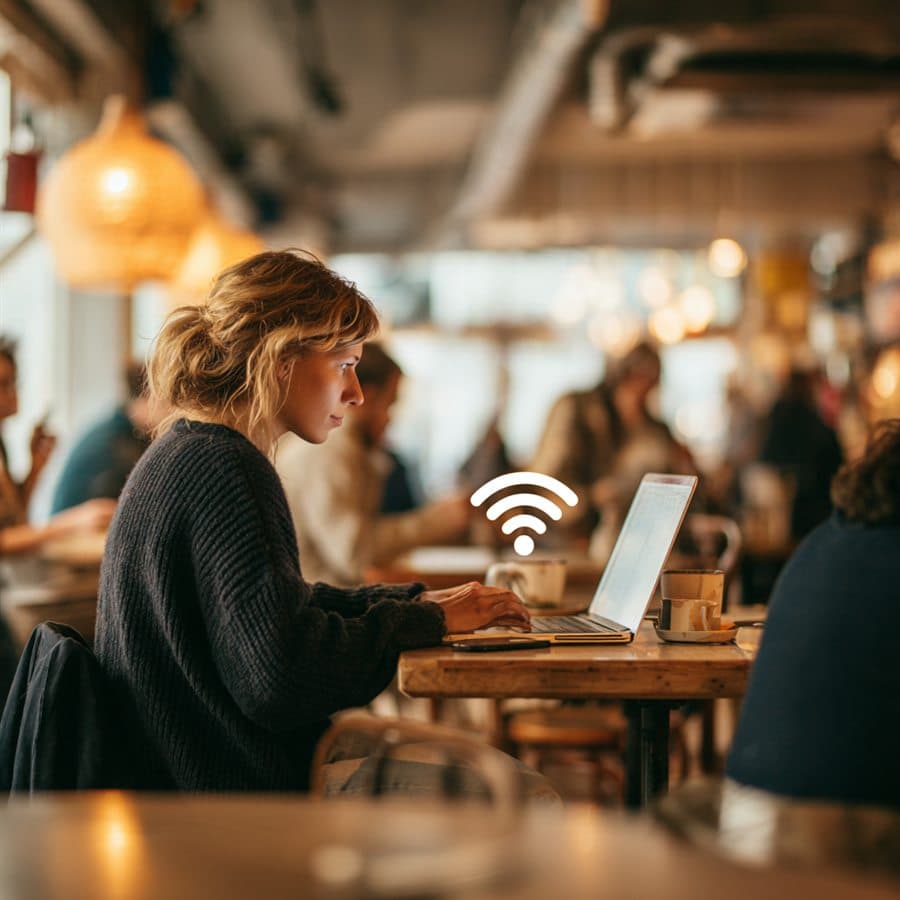
You use a café's Wi-Fi to quickly check your bank account. It seems harmless: you're just looking at a balance. A few days later, you notice an unknown transaction. Or maybe nothing happens, and you never think about it again.
The problem with online privacy is that the consequences of bad habits are invisible: until the day they aren't. Unlike a stolen wallet, excessive exposure can go unnoticed for months. By the time you realize something is wrong, the information is already out there.
This article isn't about turning you into a cybersecurity professional, and it won't repeat the password advice: that's the first article in this track. Here we're after something else: reducing what others — networks, apps, strangers — can learn or intercept about you.
The 5 channels through which your private life leaks
Channel 1 — The network you use
Public Wi-Fi (cafés, airports, hotels, transport) is convenient, but you know neither who runs it nor who else is connected. The good news first: HTTPS encryption, now near-universal, already protects the content of most of your traffic, even on a dubious network. But a hostile network can still observe which sites you visit, redirect you to fake login pages, or exploit an unpatched device.
What to do: save sensitive operations (banking, purchases, administrative tasks) for a trusted network, or use your phone's hotspot, often safer than an unknown Wi-Fi. If you regularly work in public places, a reputable VPN adds a useful layer of encryption. Be clear-eyed about what it does: it protects your traffic on an untrusted network; it does not make you anonymous on the Internet, whatever the ads say. And don't forget your own network: your router should use WPA3 encryption (or WPA2 failing that), and its default administrator password must have been changed.
Channel 2 — What you post, and for which audience
Your full name, date of birth, city, employer (scattered across social profiles, forms and forums) form a detailed, exploitable portrait: targeted phishing, identity theft, security-question bypass.
Why it's treacherous: each piece of information seems harmless on its own. It's the combination that becomes a risk.
What to do: before every post, one question: who can see this? Review your profiles and limit public visibility to what's necessary. And for sign-ups to non-essential services (newsletters, games, one-off shops) use a secondary email address disconnected from your main identity: your main address stays reserved for the accounts that matter, and spam and data leaks hit the throwaway one.
Channel 3 — What your apps collect
Every app asks for permissions: location, contacts, microphone, photos, activity. Many ask for more than they need, and this continuously collected data is your most silent form of exposure: you post nothing, they harvest anyway.
What to do: go through the permissions in your phone's settings (Android: Privacy → Permission manager; iPhone: Settings → Privacy). Simple rule: an app gets only what its function requires. A flashlight doesn't need your contacts; a game doesn't need your position. Prefer "Allow only while using" over "Always allow" for location, and delete the apps you no longer use: each one is one less door.
Channel 4 — How you sign in
The "Sign in with Google" or "Sign in with Facebook" buttons are convenient: one click, no new password. The price is twofold. First, the identity provider now knows which services you use and when. Second, you create a single point of failure: if that central account is compromised or locked, every service depending on it is too.
What to do: reserve Google/Facebook sign-in for services with no stakes, and create independent accounts (with your password manager) for everything that matters. Once a year, clean house: in your Google and Facebook account settings, the "connected apps" list reveals every service attached, revoke the ones you no longer use.
Channel 5 — What search engines show about you
You are the last person to know what your exposure looks like, because you see your profiles logged in, with your own privileges. A stranger (a recruiter, a scammer, someone merely curious) sees something else.
What to do: the exposure audit, 15 minutes a year. Search your name in quotation marks on a search engine, then your name + your city. Open your social profiles in private browsing: that is exactly what a stranger sees. Delete or lock down whatever says too much: the old public posts, the forum from 2015, the directory showing your address. What can't be found can't be exploited.
What really matters
Online exposure comes down in layers, and three habits cover most of the everyday risk:
1. Sensitive operations on trusted networks only. Banking and purchases can wait until you're home or on your own hotspot, never on the Wi-Fi of a public place.
2. The strict minimum, everywhere. In what you post, what you fill in, what you authorize. Every optional field left blank and every permission denied is one less attack surface.
3. A regular outside look. The annual exposure audit shows you what the world sees: it's the only way to fix it.
And for the foundations (unique passwords, two-factor authentication, updates) everything is in the first article of this track and its cheat sheet.
A simple method to put in place
This week: run the exposure audit (15 minutes): your name in quotation marks in a search engine, your profiles in private browsing. Note what surprises you, fix the three worst findings.
Next week: review your app permissions and the list of apps connected to your Google/Facebook accounts. Revoke everything that no longer serves.
This month: create your secondary email address for non-essential sign-ups, and check your router's encryption (WPA3/WPA2) and administrator password.
Ongoing habit: before any sensitive operation on a public network, one question: would I be comfortable if someone could see exactly what I'm doing right now? If the answer is no, wait until you're on a trusted network.
What "good enough" looks like:
- Beginner: no more banking on public Wi-Fi, exposure audit done once, app permissions reviewed
- Intermediate: secondary email in place for sign-ups, Google/Facebook sign-in reserved for no-stakes services, router checked (WPA3/WPA2, password changed)
- Advanced: reputable VPN on public networks, systematic annual exposure audit, yearly cleanup of connected apps and dormant accounts
An honest note
Online privacy is not a problem you solve once: it's a practice, small habits maintained over time. The first two or three weeks take conscious effort; then it becomes automatic.
You don't need to be technical to protect yourself well. The five habits in this article require no specialized knowledge: just a little time and attention. An investment that pays off every day nothing goes wrong.