Avoiding Online Scams: 5 Common Mistakes and the Right Reflexes
Learning objective
After reading this article, you will be able to identify the most common online scams, understand why they work, and apply concrete practices to protect your personal information, starting today.
A situation you might recognize
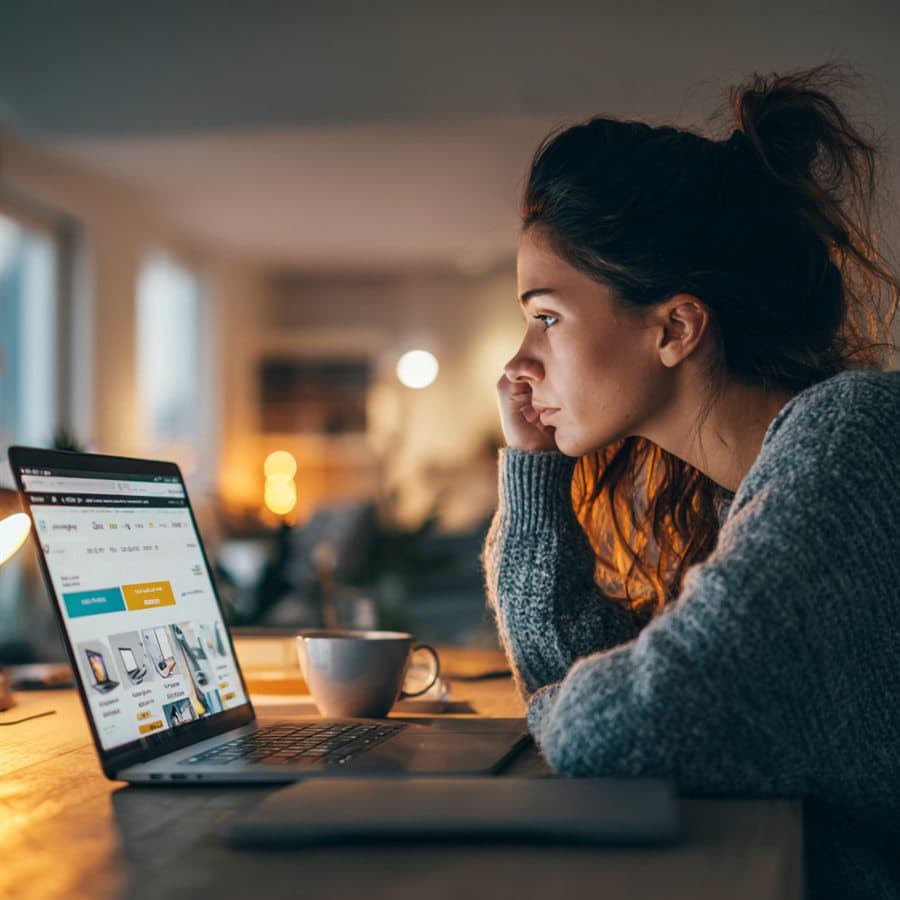
You're browsing a marketplace for a new laptop. A listing catches your eye: the latest model, at a price that seems almost too good to be true. The reviews look positive. You click. You start entering your card details, and something stops you. The site's address looks slightly unusual. The layout isn't quite what you remember.
You close the tab. But the question lingers: how close did I just come to being scammed?
This kind of situation happens every day to careful, intelligent people. It's not about naivety: it's about knowing what to look for.
The 5 most common mistakes
Mistake 1 — Not reading the site's address
Scammers build websites that look strikingly like the legitimate ones. The difference often comes down to a single character in the address: paypaI.com instead of paypal.com (a capital "I" replacing the lowercase "l"), or .co instead of .com.
Why it happens: when we're focused on a task (buying something, logging in, replying to a message), we don't read every character of an address.
What to do instead: before entering any personal or banking details, pause and read the full address. And beware of a common misconception: the padlock in the address bar does not prove a site is legitimate. It only means the connection is encrypted: the vast majority of fraudulent sites now display that padlock too. If anything feels unusual, close the tab and type the address you know yourself.
Mistake 2 — Clicking links in unsolicited messages
Phishing emails and texts are designed to create a sense of urgency: your account has been suspended, verify your identity now, your parcel could not be delivered.
Why it happens: urgency short-circuits careful thinking. The message looks official, the logo is correct, the tone sounds professional.
What to do instead: never use the links in an unexpected message, even if it appears to come from an organization you trust. Open a new tab and go directly to the official website. If your bank genuinely needs something from you, you'll see it when you log in normally. Most countries also have an official channel for reporting fraudulent messages: check your national cybersecurity agency's website.
Mistake 3 — Using weak or reused passwords
Reusing the same password across several accounts is one of the most widespread (and most dangerous) habits. If a single account leaks, every other one becomes instantly vulnerable: attackers automatically test stolen credentials on hundreds of services.
Why it happens: remembering many different passwords is genuinely hard. Simple passwords feel easier to live with.
What to do instead: use a password manager. Tools like Bitwarden (free) or 1Password generate and store a strong, unique password for every account. You only need to remember one master password: make it a long phrase rather than a complicated word. For passwords you still create by hand, aim for at least 12 characters mixing upper case, lower case, numbers and symbols.
Mistake 4 — Postponing updates
Security updates exist because flaws have been discovered and fixed. Every day you postpone them is a day those flaws stay open on your device.
Why it happens: updates always arrive at the wrong moment, when you're in the middle of something else.
What to do instead: turn on automatic updates on your devices and apps wherever possible. If you prefer to stay in control, set a weekly appointment to check for them: make it a routine, like locking your front door.
Mistake 5 — Sharing too much on social media
Many scams don't start with a fake website or a suspicious email. They start with information you have already made public: full name, city, employer, date of birth, details scammers use to impersonate someone or craft highly convincing targeted messages.
Why it happens: a social media profile feels personal and familiar. It's easy to underestimate what strangers can see.
What to do instead: review the privacy settings of your accounts and limit public visibility to the strict minimum. Above all, avoid posting anything that answers classic security questions: your first pet's name, your mother's maiden name, the city you were born in. These details seem harmless; they are regularly used to bypass account recovery procedures.
What really matters
There is no shortage of cybersecurity advice, and most of it is useful. But if you were to keep only three things, keep these:
1. Verify before you trust. A website, an email, a phone call: none of these proves an identity on its own. When in doubt, verify through another channel you're sure of: the official app, the number on the back of your bank card, the address you type yourself.
2. Use a password manager. This single habit covers the majority of account-related risks, and removes the false choice between security and convenience.
3. Turn on two-factor authentication (2FA). On your email, banking and social media, 2FA adds a second check that blocks most unauthorized access, even if your password has leaked. Prefer an authenticator app over SMS when offered, and if a service supports passkeys, even better.
A simple way to start
You don't need to transform everything overnight. Here is a realistic starting point:
This week: install a free password manager like Bitwarden. Use it for one or two accounts, just to get familiar with it.
Next week: turn on 2FA for your email. It's the single most important account to protect: it's the recovery point for almost everything else.
This month: review the privacy settings of your social media profiles. Check who can see your personal information, and adjust.
What "good enough" looks like:
- Beginner: you read addresses before entering anything, don't click unexpected links, and have reviewed your social media privacy
- Intermediate: you use a password manager and 2FA is active on all your important accounts
- Advanced: you periodically review your accounts and devices, and stay informed through your national cybersecurity agency
If the damage is done
No one is immune, and reacting fast changes everything. Bank details shared: call your bank immediately to block the card. Password entered on a fake site: change it without delay, and everywhere it was reused. Most countries offer free official help: in France, cybermalveillance.gouv.fr; in Spain, INCIBE's free 017 helpline; in Bulgaria, the cybercrime reporting portal cybercrime.bg.
An honest note
Building good security habits takes time. Most people need several weeks before the new reflexes become automatic. There will be moments of uncertainty: something looks legitimate, but you're not entirely sure.
That uncertainty is normal. It's actually a sign that you're paying attention. The goal isn't perfection: it's making the scammers' job considerably harder.